Runs on Android TV, Samsung, Apple TV & more
Turn the screens you own into digital signage.
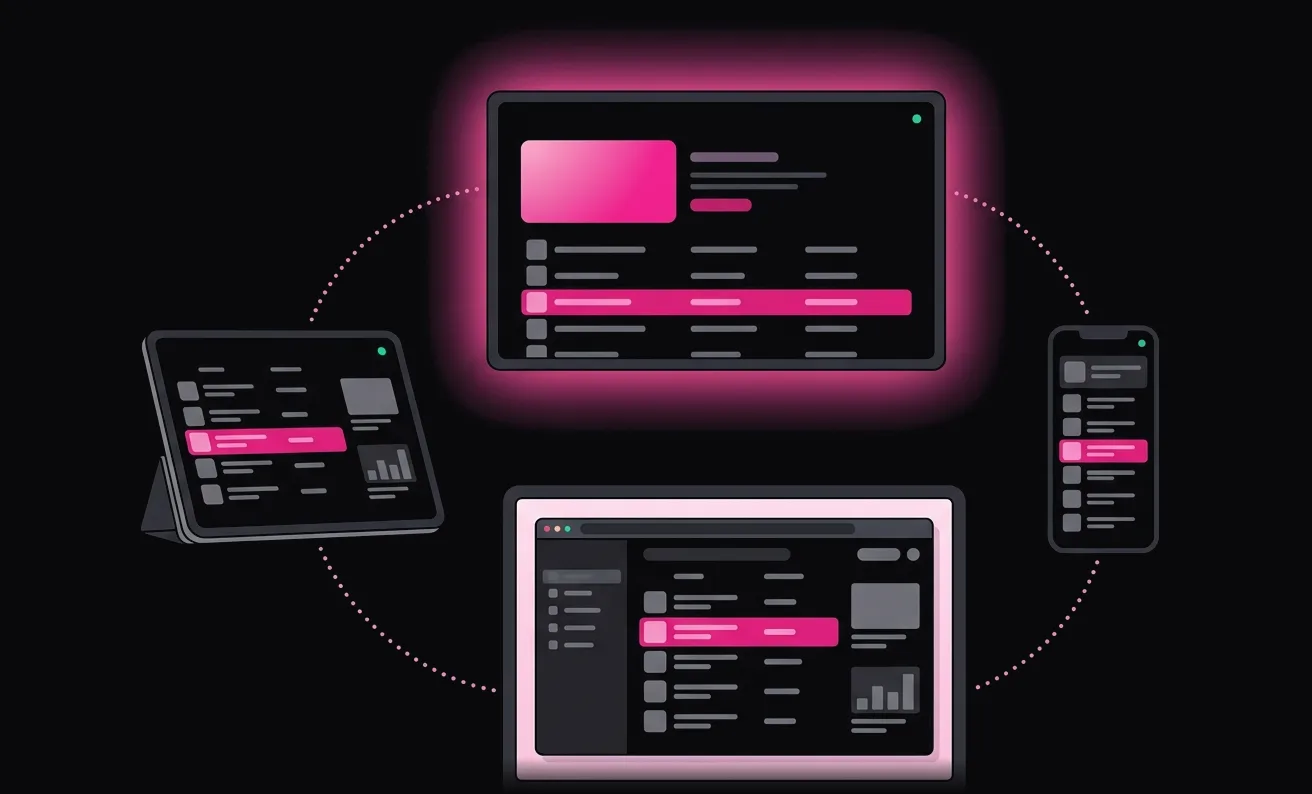
Menus, promos, videos, and dashboards on compatible TVs, tablets, and computers, on a schedule, without media players or USB sticks.
Free forever · Every feature included · No credit card
How It Works
Live in minutes.
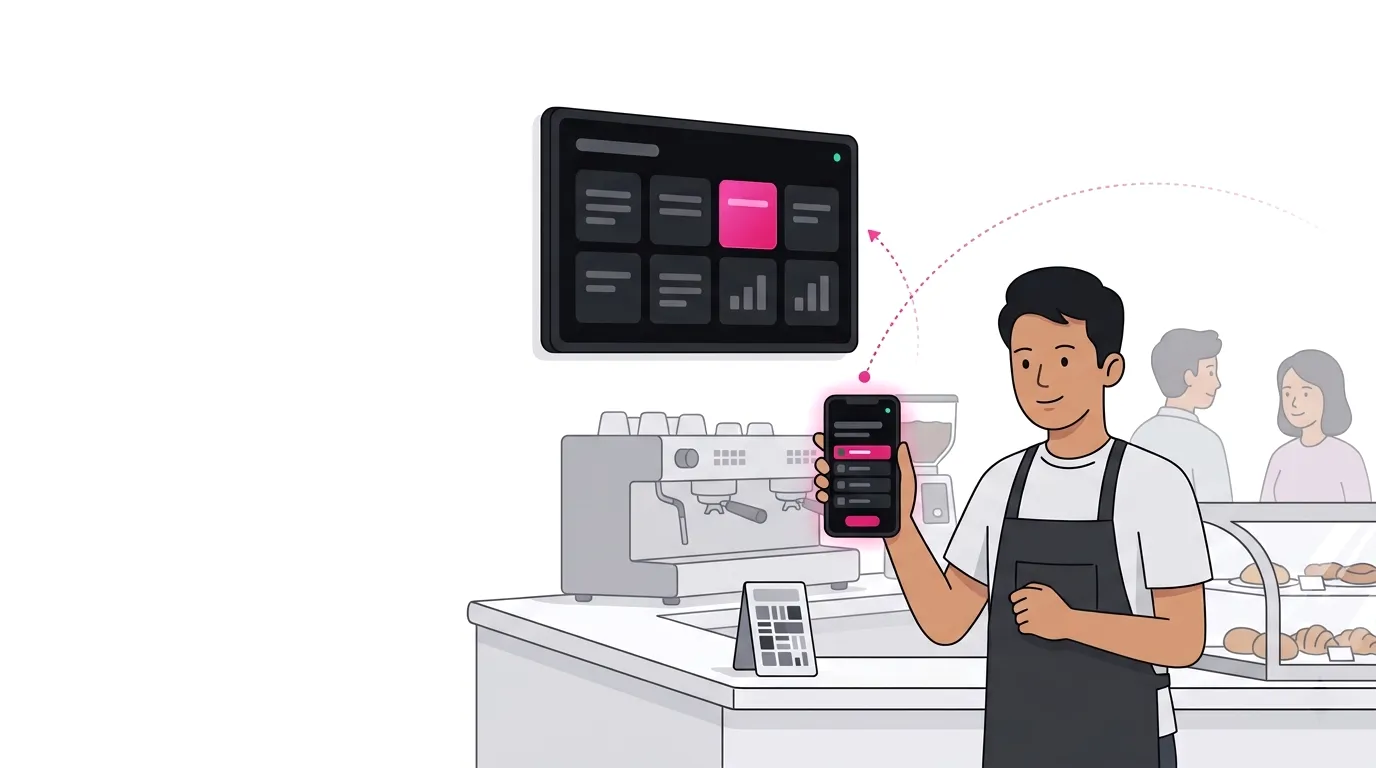
Pair a screen once, then manage it from your phone or browser.
- 1
Install the App
Install Signage Sync on a compatible TV, tablet, or computer. It opens on a pairing code.
- 2
Pair It
Scan the QR code with your phone and confirm with the code we email you. No password needed.
- 3
Publish
Send a website, image, video, or stream to the screen. It updates in seconds.
Your first screen can be live before your coffee gets cold.
Who It’s For
Put every screen to work.
Retail, Cafés & Small Chains
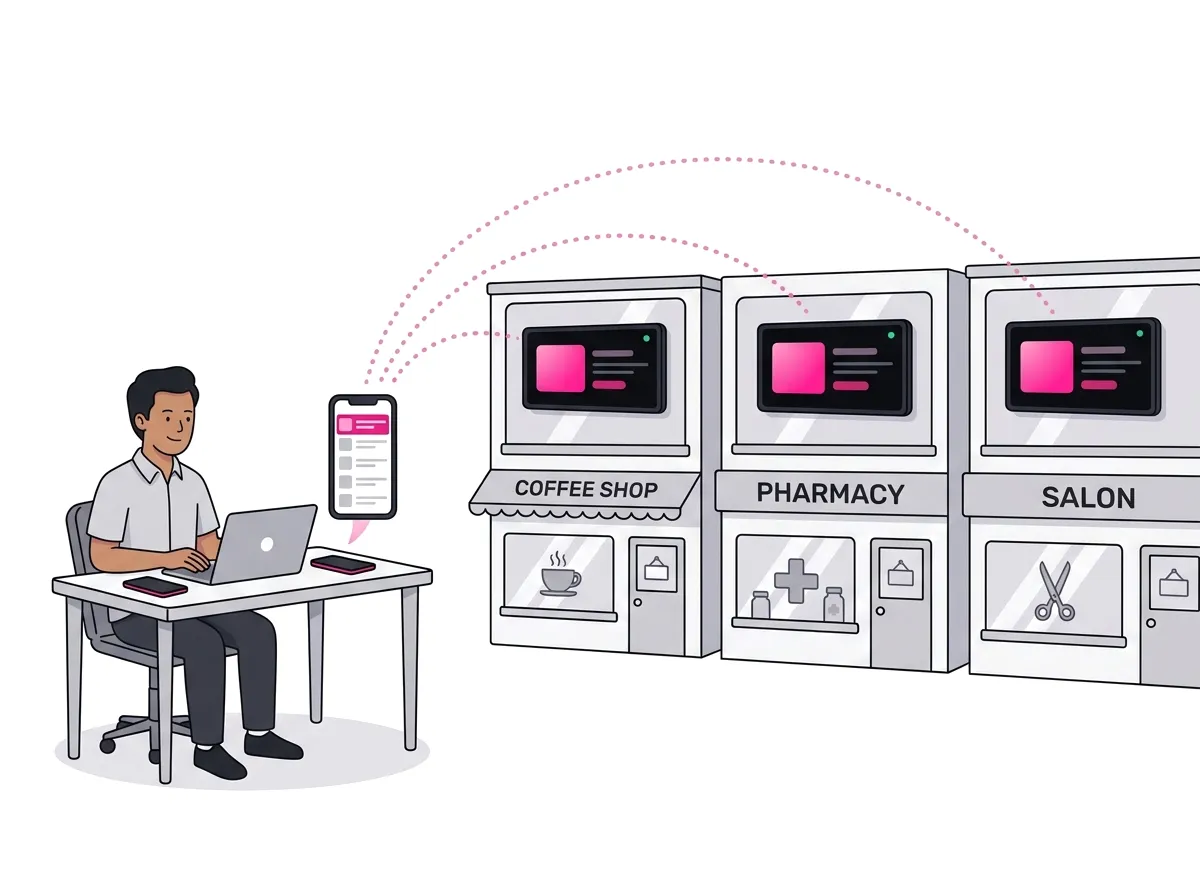
Change it once. Show it everywhere.
Update prices, menus, and promotions from one place, and every branch shows them.
- Switches menus by the hour: breakfast, lunch, happy hour.
- Keeps playing when the internet drops, and after a power cut.
- A scrolling ticker for today’s specials, changed in seconds.
Offices & Startups
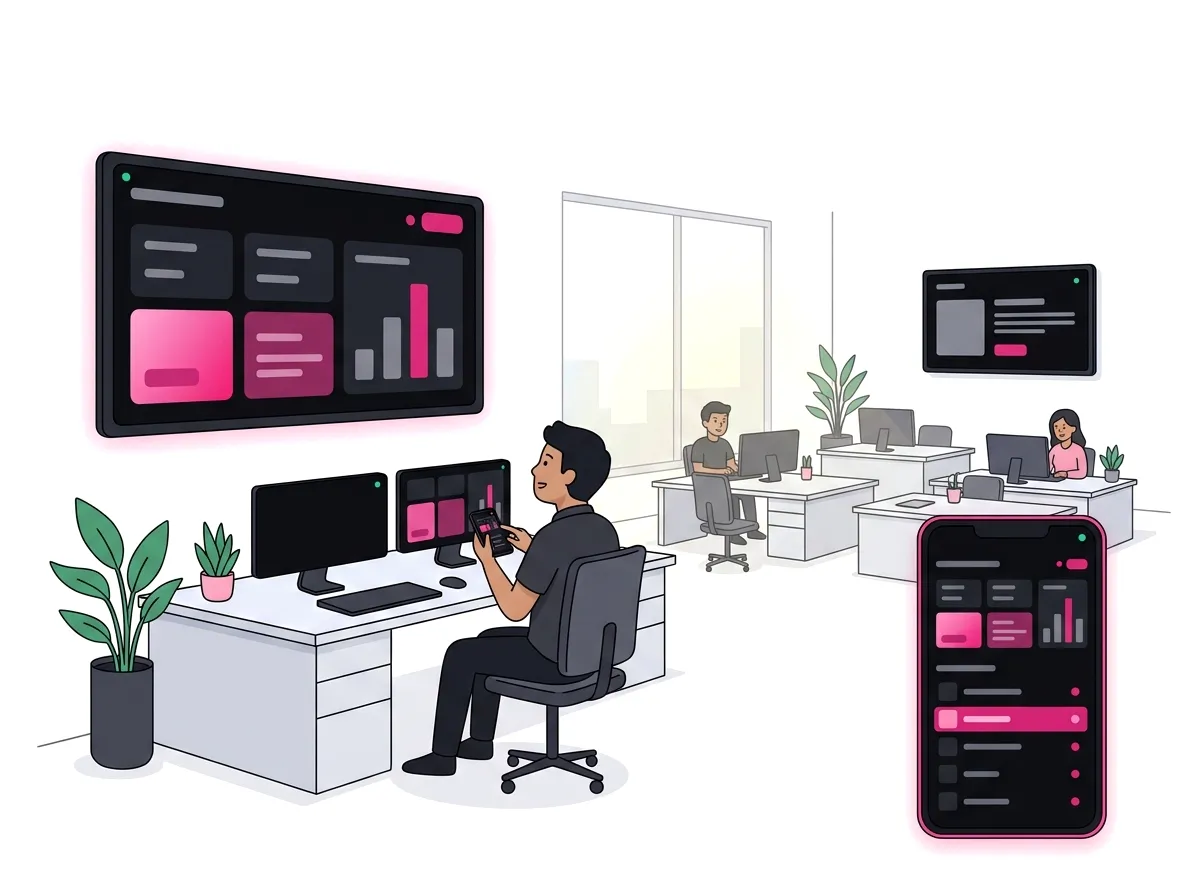
Live numbers on the wall.
Put dashboards, Notion pages, or slides where the whole team can see them.
- Share your laptop to the meeting-room TV, live, with sound.
- Dashboards reload by themselves, as often as you like.
- Switch what’s showing from your phone, mid-meeting.
Schools & Campuses
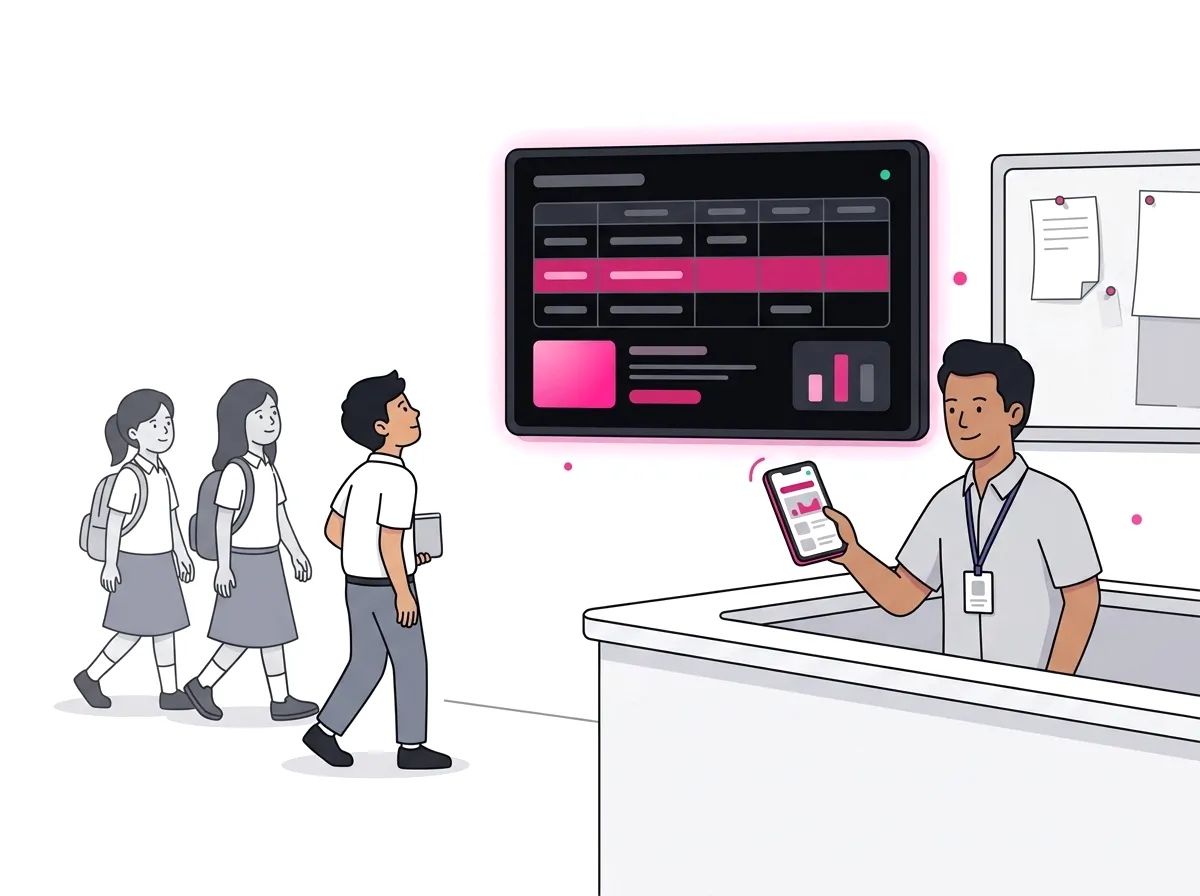
Notices without the paper.
Post timetables, exam schedules, and announcements from your phone or browser.
- Exam notices that appear on the day and disappear after.
- An urgent notice on every screen on campus, all at once.
Also built for
Corporate Lobbies
Visitor welcomes and company news, on one screen or a video wall.
Clinics
Queue information, service updates, and health reminders.
Warehouses
Delivery status, dashboards, and safety notices on the floor.
Features
Built for screens that run all day.
Set it up once, then manage every screen from one place.
The Right Menu at the Right HourNew
Breakfast at 7, lunch at 11, happy hour at 5. Schedule each item by day, hour, or date, add a scrolling ticker for today’s news, and your screens switch on their own.
Share Your Laptop to Any TVNew
Put a deck, a dashboard, or a video on one screen or every screen, live with sound and under a second behind. One hour a month is free.
Just Ask ChatGPT or ClaudeNew
“Play the lunch menu on weekdays from 11 to 2.” Connect your AI assistant once and run your screens from the chat. Every change is logged.
How to connect →One Update, Every Location
Group displays by branch, floor, or campus and update the whole group at once.
Keeps Playing, Even Offline
Each screen saves its playlist, keeps playing when the internet drops, and comes back after a power cut. If one goes quiet, you get an email.
Portrait or LandscapeNew
Hang a TV on its side for a menu board or a poster and turn the picture from your dashboard. No digging through TV menus.
Phone as a Remote
Pause, change what’s playing, mute, or adjust the volume without walking to the screen.
Video Walls
Combine up to 25 ordinary TVs into one picture, arranged as they hang. Each TV counts as one display.
Pick Your Region
Run your displays from Asia, Europe, North America, or Oceania, whichever is closest.
What you can show
Live Web Pages
Any URL, dashboard, or HTML page, reloaded as often as you like.
Images & Video
JPGs, PNGs, and videos, up to 500 MB per file.
Live Streams
HLS, DASH, RTMP, and RTSP, for events, broadcasts, or cameras.
Format support varies by device. RTMP and RTSP don’t play on Samsung TVs.
Get the App
One app to play. One place to manage.
Install Signage Sync on the screen to play content. Control it from the same app on your phone, or from any browser at admin.signagesync.app.
- Android TV & Google TV
- Samsung Smart TVs (Tizen)
- Android
- iPhone & iPad
- Apple TV
- Windows
- macOS



Pricing
Start free on two screens.
Every feature, no time limit, no credit card. Pay only when you need more displays.
The Free Plan
$0/month
- 2 displays (groups and video walls don’t count extra).
- Every feature, including schedules, video walls, and AI assistants.
- 1 hour of live screen sharing a month.
- 1 GB of storage, files up to 500 MB.
Free displays show a small watermark in the bottom-right corner.
Start for FreePer Display
Launch price · until 30 Nov
$5$2.50$5/display/month
Subscribe by then and keep this price for as long as you stay subscribed, including displays you add later.
- Up to 100 displays.
- No watermark.
- 5 hours of live screen sharing per display a month.
- 1 GB of storage per display.
- Billed monthly through PayPal. Cancel any time.
More than 100 displays, or paying by invoice? Email sales@momenial.com.
Who’s Behind This
A new product from an established team.
Since 2022
Built by PT Momenial Open Media, a registered software company.
Makers of Momenial
The digital certificate platform used by schools, universities, and companies.
Talk to the Builders
Feature requests and bug reports go straight to the people who build Signage Sync.
FAQ
Questions people ask first.
Do I need to buy any hardware?
No. Signage Sync runs on compatible TVs, tablets, and computers you already have. There’s no player box to buy.
Will it work on my TV?
Android TV, Google TV, Samsung Smart TV, and Apple TV run the app directly. Any other TV works through a computer on its HDMI port. Formats vary by device, so the free plan is the best test.
Do I need IT staff to set it up?
No. Install the app, scan the QR code with your phone, and confirm with the code we email you.
What happens if the internet goes down?
Downloaded playlists keep playing, and the screen resyncs when the connection returns. Websites and live streams need a connection.
Can I show a website or live dashboard?
Yes. Send any reachable URL or HTML page and set how often it refreshes.
Can several TVs show one big picture?
Yes. Up to 25 displays can form one video wall. Each TV counts as one display.
Can different content play at different times of day?
Yes. Give any playlist item a schedule (weekdays only, 11:00 to 14:00, or from a start date to an end date) and screens switch on their own, in your time zone. A scrolling ticker can carry short messages that expire by themselves.
Can I show my laptop screen on the TV?
Yes. From Chrome, Edge, Firefox, or Safari, share a tab, a window, or your whole screen to any of your displays. Supported devices get live video with sound, under a second behind. Every workspace gets 1 hour of live video a month, and a subscription makes it 5 hours per display. After that, sharing carries on as a fresh picture every second.
Can I hang a TV in portrait?
Yes. Mount it on its side, then pick Portrait on the display’s page in the dashboard, and the picture turns to match. (On Windows, turn it in Windows’ display settings instead.)
Can I run my screens from ChatGPT or Claude?
Yes. Connect your AI assistant once and ask in plain words: cast a promo, schedule a menu, update a playlist, or skip to the next item. It acts with your role, can’t delete anything or touch billing, and every change shows in your activity log.
How much does it cost?
Two displays are free, with a small watermark. Once you subscribe, every display is paid, including the first two: $2.50 per display/month for subscriptions started by 30 November, $5 after that. So 3 displays at the launch price are $7.50/month. Billed monthly in USD through PayPal (a PayPal account is required), taxes included.Two displays are free, with a small watermark. Once you subscribe, every display is paid, including the first two: $5 per display/month, so 3 displays are $15/month. Billed monthly in USD through PayPal (a PayPal account is required), taxes included.
What ends the launch price?
Cancelling (in the dashboard or at PayPal), a chargeback, or deleting your account. Changing your number of displays doesn’t, nor does a payment PayPal retries, nor subscribing again after PayPal suspends a subscription.
What does the free-plan watermark look like?
A small, semi-transparent “signagesync.app” badge in the bottom-right corner. It disappears from every screen when you subscribe.
What happens if I add displays mid-cycle?
They switch on at your next billing date. If enough of the billing period is left, you can pay a one-time prorated amount to switch them on today.
Can my phone be the remote?
Yes. Use the Signage Sync app on your phone, or the web dashboard in any browser.
What happens if I cancel?
Paid features stay on until the end of the month you paid for; the rest isn’t refunded. Then your account returns to the free plan: every screen keeps playing, the watermark comes back, and new displays or uploads beyond the free limits wait until you subscribe again. Nothing is deleted.
Your screens are ready. Give them a job.
Free forever · Live in minutes · No credit card