By Momenial—building software since 2022
Put the screens you already own to work.
Menus and promos in the café, dashboards in the office, notices in the school lobby—pushed from your phone or laptop to every TV you manage. No media boxes. Nothing new to buy.
Free to try on 2 screens · No credit card · On air in about two minutes
Who It’s For
Wherever a screen is hanging, doing nothing.
Built for teams without an IT department—the owner, the marketing hire, the admin desk. The first screen usually goes up in an office. The next five go everywhere else.
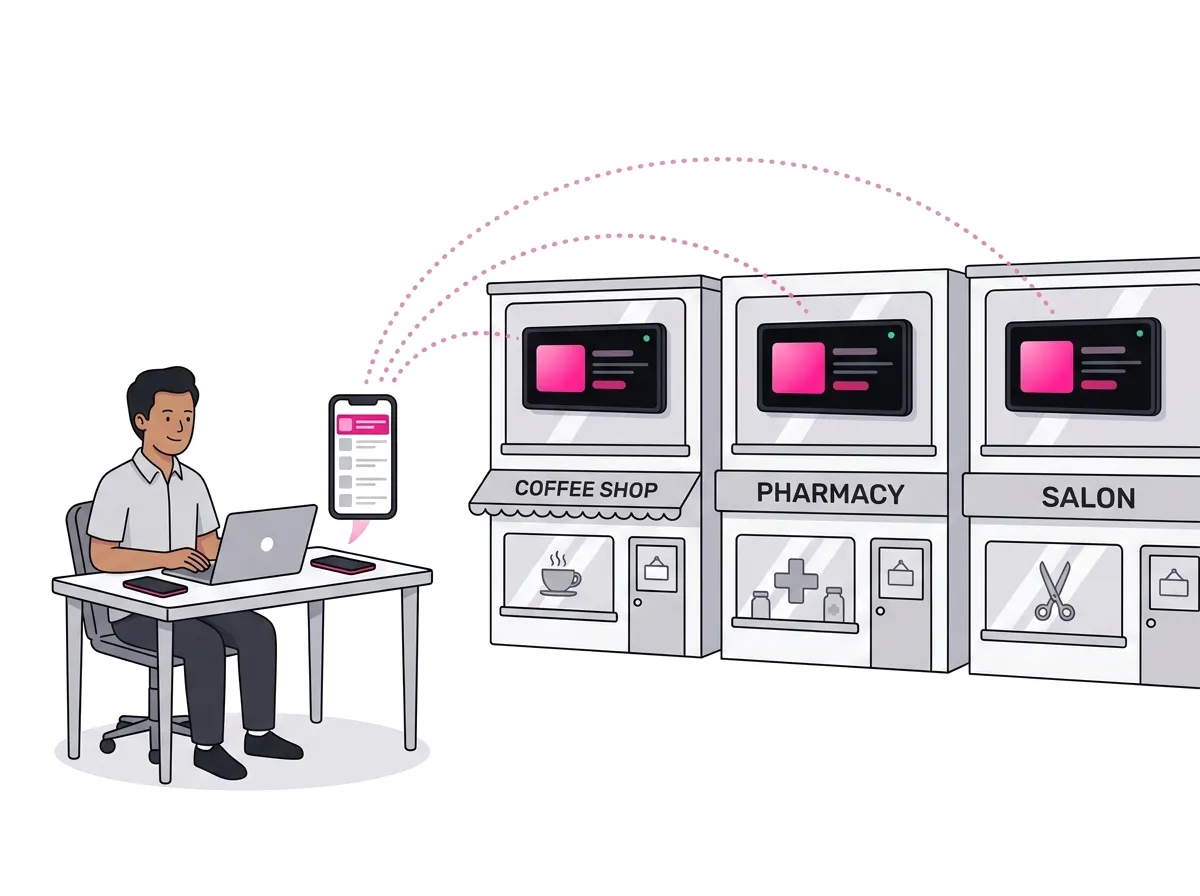
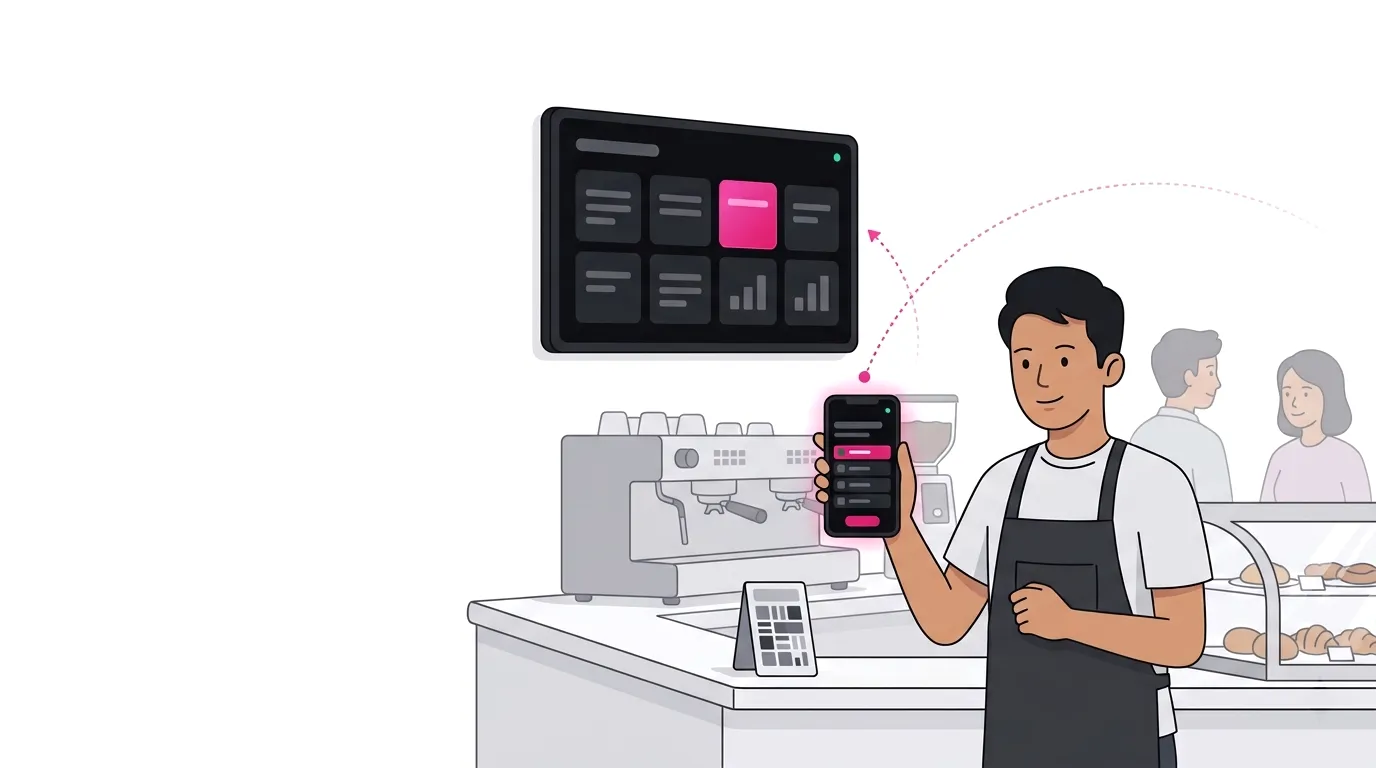
Cafés, shops & small chains
The same promo in every outlet by Monday morning.
Menus, price boards and this week’s offer go up once from head office and land in every outlet in seconds—no USB stick, no phone call to the branch. If the outlet’s internet drops, the screen keeps playing what it has. When the power comes back, it boots straight into signage.
- Menus and promos as images or video, looped all day
- One playlist, assigned to every branch at once
- Keeps playing through internet drops and power cuts
Offices & startups
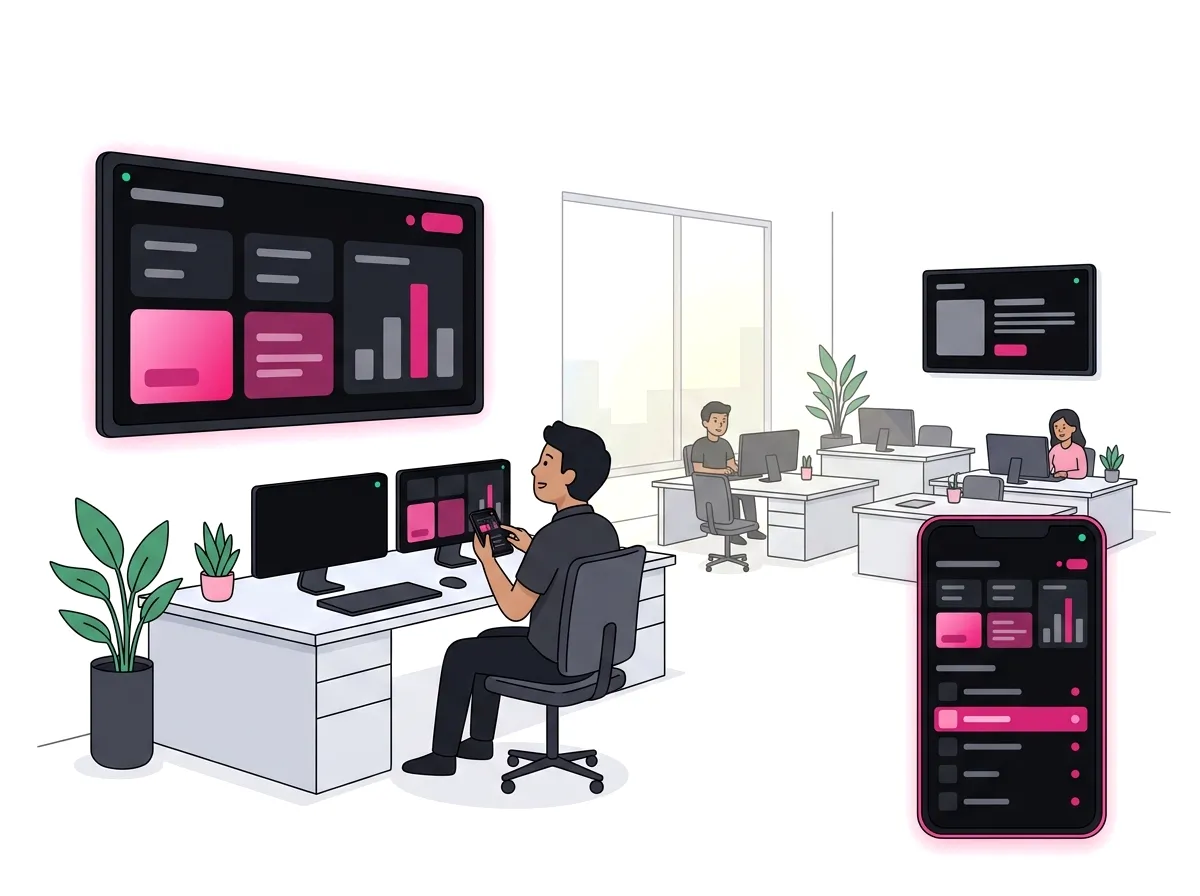
The dashboard you check every morning, on the wall.
Sales, support queues, sprint goals—any web page, auto-refreshed on a timer so nobody asks for the latest numbers. Step the screen forward from your phone in the middle of a meeting, and group two screens so they play in lockstep.
- Any URL: an analytics dashboard, a slide deck, a Notion page
- Remote control from the phone app or any browser
- Boots back into signage after a power cut
Schools & campuses
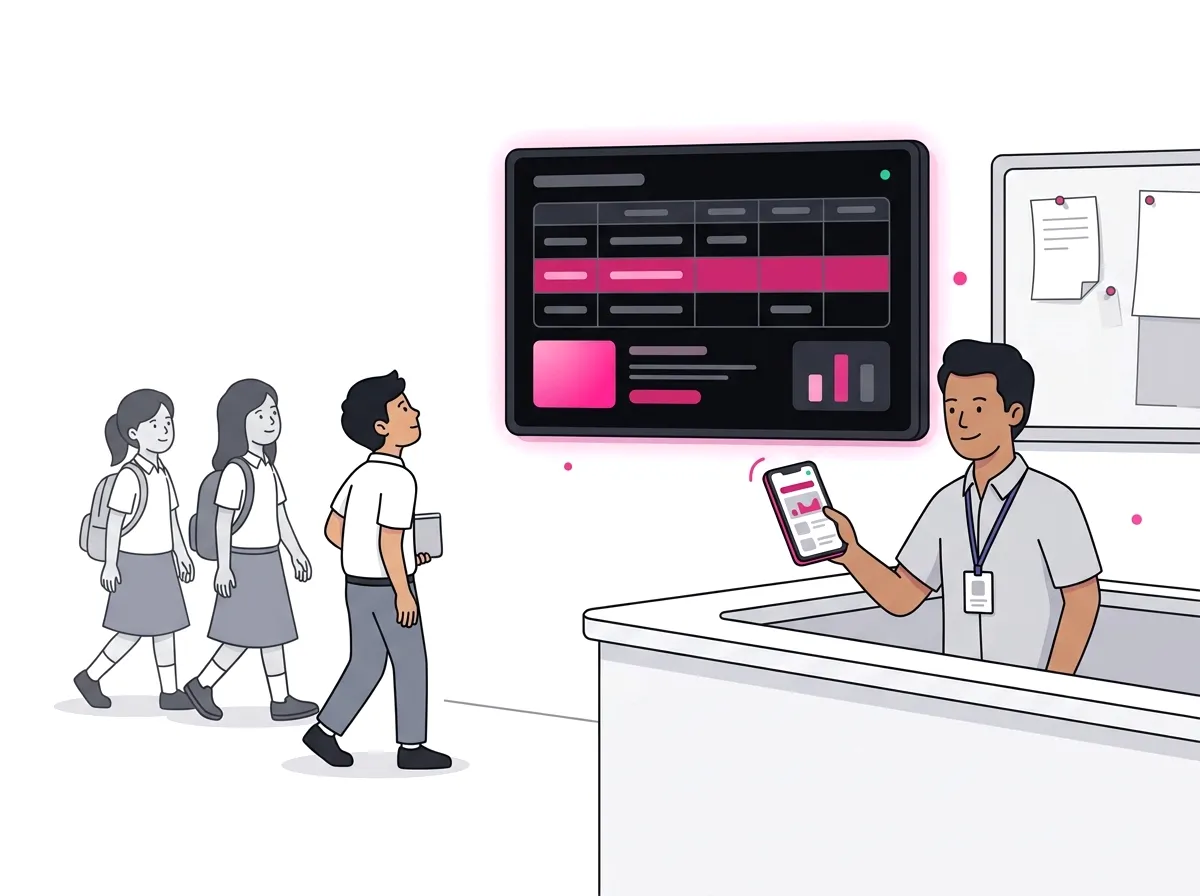
The noticeboard nobody has to reprint.
Timetables, exam schedules and today’s announcements on the lobby TV, updated from the admin desk between classes. A slide deck link works as-is. And it comes from the team behind momenial.com, already trusted by schools and universities across Indonesia and Malaysia.
- Announcements as images, slides or a web page
- Updated from a phone—no IT staff needed
- An email when a screen goes quiet
Also at home in
Corporate lobbies
A polished loop of branded visuals, announcements and a welcome for today’s visitors.
Clinics & waiting rooms
Queue numbers, doctor schedules and health reminders instead of daytime TV.
Event screens
Schedules, speaker bios and sponsor loops—changed in seconds when the rundown slips.
Warehouses & ops floors
Delivery status, supply-chain metrics and safety reminders that stay current on the floor.
How It Works
Three steps. About two minutes.
The same flow whether you are setting up one lobby TV or a wall of ten.
Install the App
Open the app store on your Android TV, Samsung TV, tablet or PC. The screen shows a six-character code and a QR.
Scan and Sign In
Scan the QR with your phone and enter your email. A one-time code signs you in—no password, and new accounts are created on the spot.
Send Something
Drop in a web page, an image or a video. It appears on the screen in seconds and stays in sync every time you change it.
Your first screen has something to show before the coffee is cold.
What You Can Show
If a browser can show it, so can your screens.
Mix any of these in one playlist, set how long each item stays up, and let it loop.
Web Pages
Any URL—an analytics dashboard, a slide deck, a Notion page. Auto-refresh on a timer so the numbers never go stale.
Images & Video
JPG, PNG and GIF posters, or MP4 and WebM video up to 500 MB per file. Upload once, loop forever.
Live Streams
HLS, DASH, RTMP and RTSP straight to the screen—events, CCTV or a broadcast feed. RTMP and RTSP play everywhere except Samsung TVs.
Playlists & Transitions
Sequence items with per-item timing and fade or wipe transitions, then assign the playlist to one screen or a whole group.
Features
Built to be left alone.
A screen on a wall is not a device you want to babysit. Signage Sync assumes you will never touch it again.
Live Push
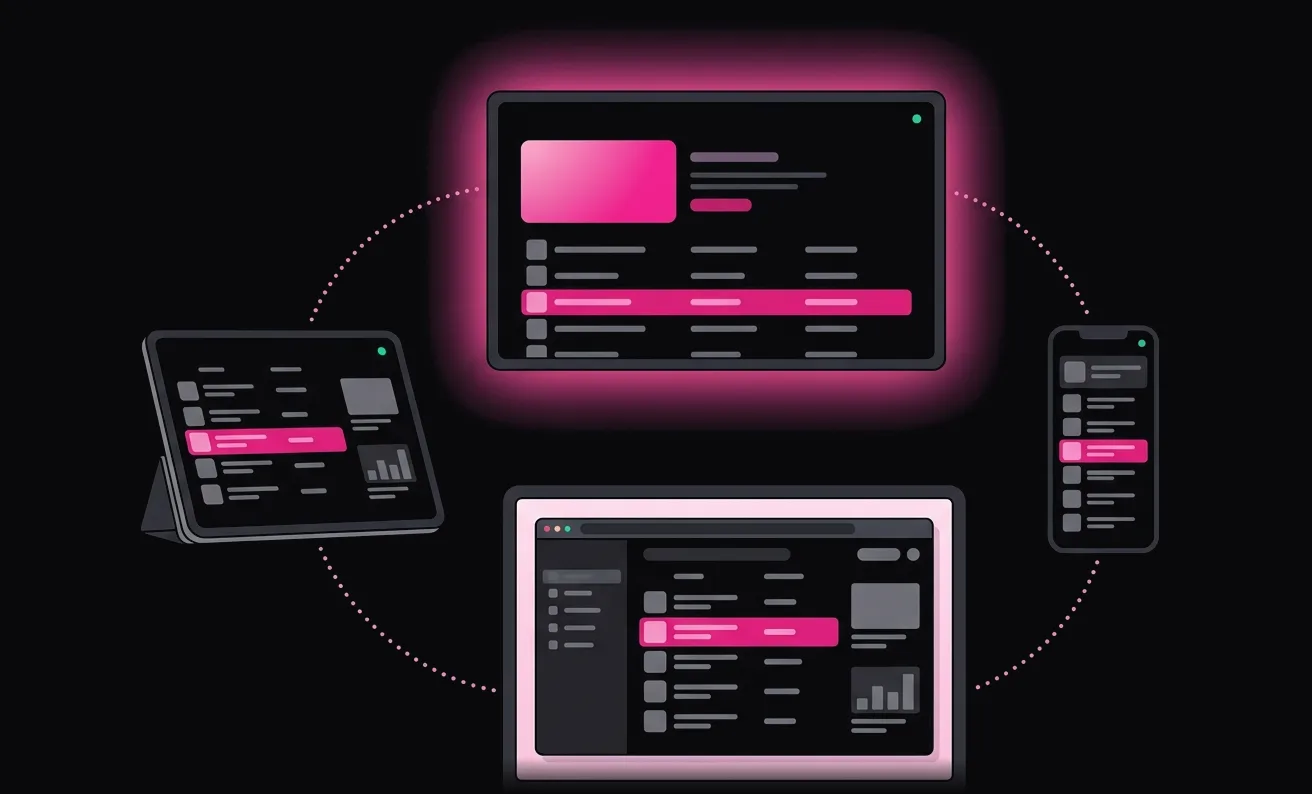
Changes travel over a realtime connection and land in seconds. No refresh button on the TV, no app restarts.
Synchronized Groups
Group screens and they play in lockstep—multi-screen walls stay aligned, even after a reconnect.
Remote Control
Step any screen or group forward or back, live from the dashboard or from the app on your phone.
Survives Real Life
After a power cut the screen boots straight back into signage and keeps playing through network blips. It holds the display awake, hides the system bars, and on Windows and macOS runs as a kiosk window nobody closes by accident.
See What Is On Air
Check any screen from the dashboard without walking to it—the current item is rebuilt from the content the screen is playing, with the countdown to the next one.
Sound You Control
Mute a screen or set its volume from the dashboard. It lands while the screen is playing and survives a reboot. Applies to video and streams—web pages keep their own audio.
Online at a Glance
See which screens are connected right now—and get an email if one goes quiet for two days.
Pick Your Region
Realtime traffic runs from the region you choose—Southeast Asia by default, seven more from Europe to Oceania.
Get the App
One app. It’s both the screen and the remote.
Install it on the TV and it displays. Install it on your phone and it controls. Or skip the phone app and manage everything from the browser.
- Android TV & Google TV
- Samsung Smart TVs (Tizen)
- Android
- iPhone & iPad
- Windows
- macOS


Pricing
Try every feature free on two screens.
There is no paid plan yet. When one arrives it will add more screens and remove the badge—and early users will be looked after.
Free
$0/month
- 2 screens per account—only displays count, groups are unlimited.
- Every feature: playlists, groups, live streams, remote control.
- Uploads up to 500 MB per file.
- A small Signage Sync badge in the corner of the screen—paid plans will remove it.
- No credit card, no trial clock.
Need More Than 2 Screens?
Paid plans are on the way, with more screens and no badge. If two screens are not enough today, message us and we will sort you out—being an early user will count for something.
Who’s Behind This
A new product. Not a new company.
Since 2022
PT Momenial Open Media is a registered Indonesian company that has been shipping software for four years.
Made by Momenial
The same team runs momenial.com, issuing verifiable certificates for schools, universities and companies across Indonesia and Malaysia.
Six Platforms
Android, Android TV, Samsung Tizen, iOS, Windows and macOS—all shipping, all kept in step.
Shaped by Early Users
Signage Sync is just getting started. Tell us what you are building and the roadmap will bend around it.
Curious about the team? See what we build at momenial.com.
FAQ
Questions people ask first.
Do I need to buy any hardware?
No. If you have an Android TV or Google TV, a Samsung Smart TV, a tablet, or any computer that can drive a display, you already have everything. There are no proprietary media boxes—that is the whole point.
Do I need IT staff to set it up?
No. Install the app from the TV’s app store, scan the QR with your phone, and the screen is paired. Sign-in is a one-time code sent to your email—no password to lose.
What happens when the internet drops?
The screen keeps playing the playlist it already has and resyncs on its own when the connection returns. Web pages and live streams need a connection to stay current.
Can I run several outlets from one account?
Yes. Group the screens by branch or all together, assign one playlist to the group, and every screen shows as online or offline on the same dashboard.
How many screens are free?
Two per account, with every feature included. If you need more today, message us on WhatsApp and we will sort you out.
What is the badge on the free plan?
A small Signage Sync watermark in a corner of the screen. Paid plans will remove it.
Can my phone be the remote?
Yes. The same app that turns a TV into a display turns your phone into the controller—or use the web dashboard from any browser, no install needed.
Where does my data run?
In the region you choose. Realtime traffic is served from Southeast Asia by default, with Northeast Asia, Asia-Pacific, Europe, North America and Oceania options.
Your screens are on. Give them a job.
The first thing on screen can be this week’s promo, this morning’s dashboard or today’s notices—live on the wall in about two minutes.
Free to try on 2 screens. No card, nothing to cancel.